
DG STICKY VIDEO · DIVI 5
Divi Sticky Video
When visitors scroll past a playing video, it moves to a corner of the screen and keeps playing from the same second. Scroll back and it returns to its place.
YouTube, Vimeo, Wistia & more
Never restarts
No code
 Introducing Workspaces for Divi 5
Try it: press play, then scroll down.
Video: Elegant Themes on YouTube.
HOW IT WORKS
One player that follows the visitor
There is never a second copy of the video, so it never starts over and never plays twice.
01
Press play
The video plays in the page like any other video, with its poster, play button and controls.
02
Scroll on
Once it leaves the screen, the same player shrinks into a corner and keeps playing from the same second.
03
Come back or close
Scroll back and it returns to its place. Visitors can also close it, make it smaller, or bring it back with one click.
LIVE EXAMPLES
Ways to use sticky video in Divi
Ten sections for ten kinds of pages. Play any video and scroll: only one floats at a time. All videos are Elegant Themes videos about Divi 5.
01
Studio North · An agency showreel
TOP LEFT · SLIDE IN · PLAY ICON WITHOUT BACKGROUND
STUDIO NORTH · SHOWREEL 2026
We make brands move.
Studio North showreelVideo: Elegant Themes on YouTube.
02
Northwind · A video testimonial
BOTTOM LEFT · ROUNDED PLAY BUTTON · MINIMIZES TO A GREEN BAR
CUSTOMER STORY
“Our new site went live in a weekend, and leads doubled the next month.”
Sara Lind
Founder, Northwind Studio
Press play and keep scrolling: the story follows you in the bottom-left corner, and the minimize button folds it into a slim green bar.
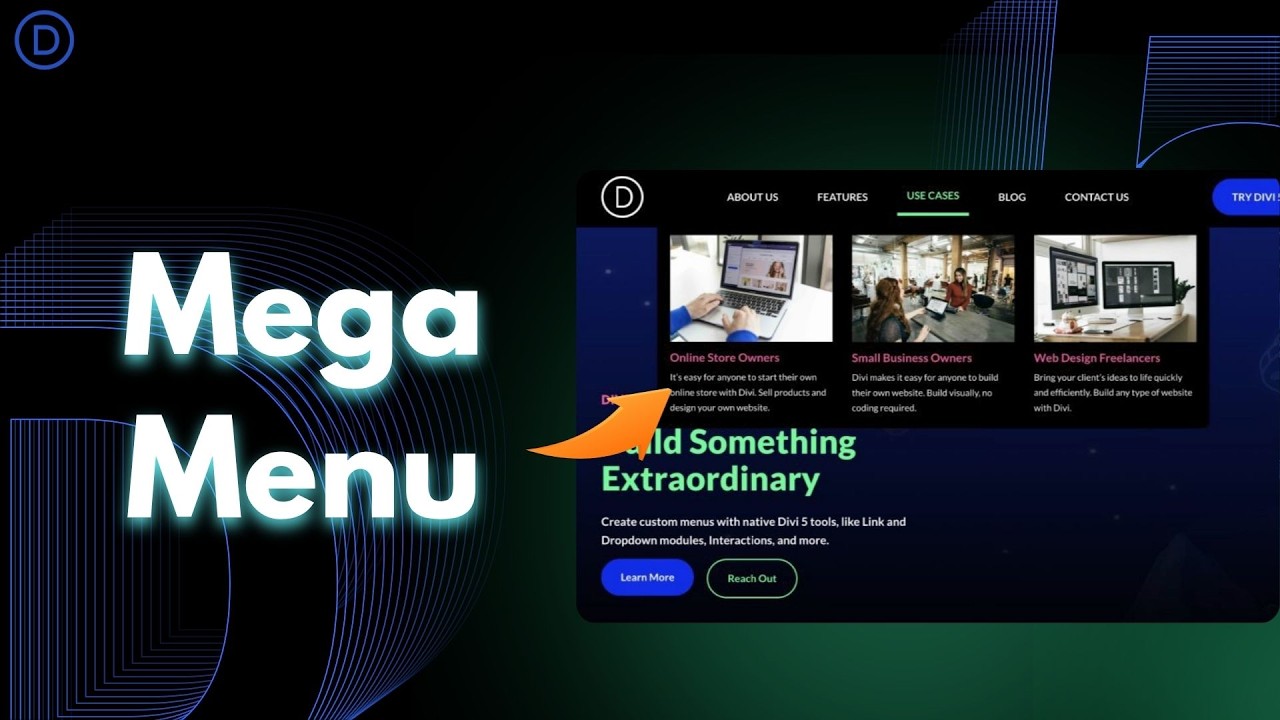 Customer story: Northwind Studio
Video: Elegant Themes on YouTube.
03
Ledgerly · A SaaS explainer
FLOATS ONLY AFTER PLAY · FLY TO THE CORNER · FULL-WIDTH ON PHONES
PRODUCT EXPLAINER
See Ledgerly in 90 seconds
The player stays in the page until someone presses play. Only then does it follow the visitor, so nobody gets a video they never asked for.
 Ledgerly product explainer
Video: Elegant Themes on YouTube.
04
The Builder Podcast · A video podcast episode
1:1 PLAYER · BUTTON BAR BELOW · SOUND KEEPS PLAYING WHEN MINIMIZED
 The Builder Podcast, episode 42
Video: Elegant Themes on YouTube.
THE BUILDER PODCAST · EPISODE 42
Designing faster with Divi 5
A square player with its buttons in a bar underneath, like a real podcast app. Minimize it and the conversation keeps playing while visitors read the show notes.
00:00 Welcome and news
04:12 What’s new in the builder
18:40 Design systems in practice
32:05 Listener questions
05
Help centre · A how-to article with a clip
TOP RIGHT, BELOW THE HEADER · CLIP 0:30–2:00 · BACK TO THE PAGE WHEN IT ENDS
HELP CENTRE · GETTING STARTED
How to add your first section
Updated 2 days ago · 4 min read
- Open the page and click the purple plus to add a section.
- Choose a row structure: one, two or three columns.
- Click the grey plus inside a column and pick a module.
- Add your text and images, then save the page.
The clip on the right only plays the part you need, from 0:30 to 2:00. Scroll down while it plays: it waits in the top-right corner, just below the header, and returns to the page when the clip ends.
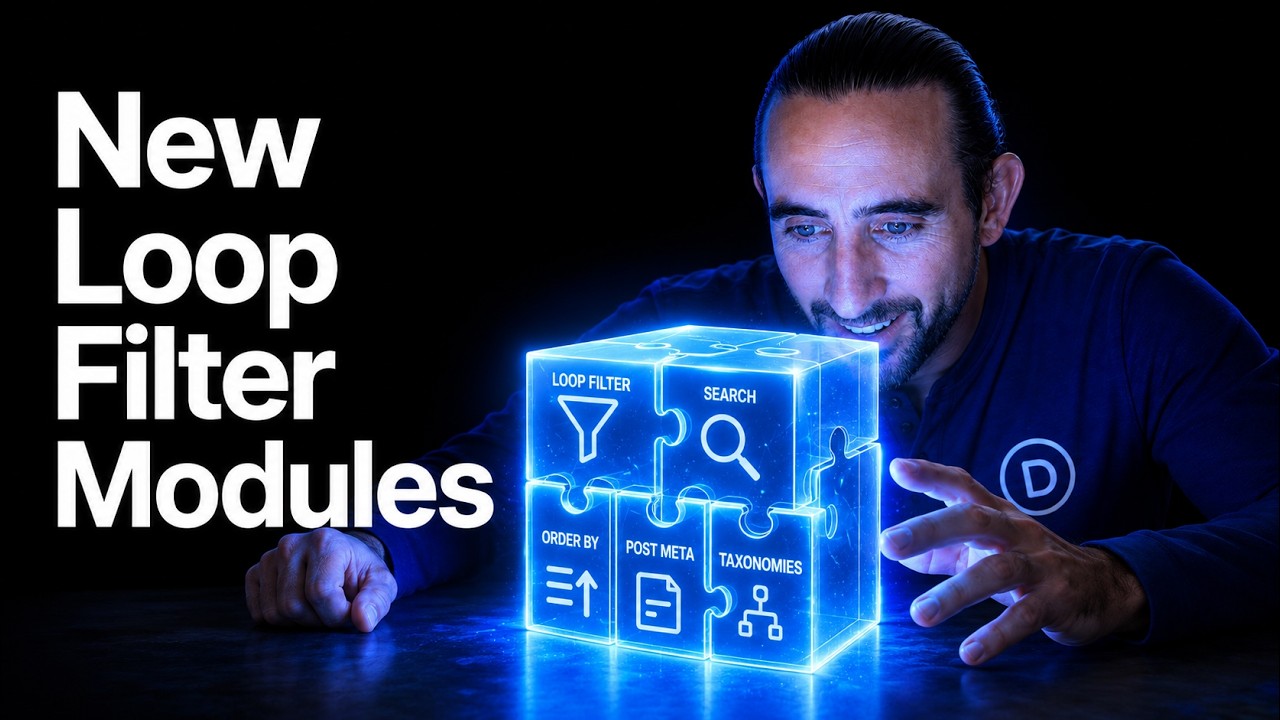 How to add your first section
Clip 0:30–2:00 · Video: Elegant Themes on YouTube.
06
Studio Lessons · An online course lesson
BUTTONS ALWAYS SHOWN · PLAY IN THE TOOLBAR
DIVI 5 COURSE · MODULE 4
Lesson 4 of 9
Build a mega menu with the Dropdown module
How To Build Mega Menus With Divi 5’s Dropdown ModuleVideo: Elegant Themes on YouTube.
Lesson notes
Watch the video, then scroll down to the checklist. The video moves to the corner, so you can follow along while you work.
Use the buttons on the small player to pause, make it smaller, or bring it back up here.
Open the header template in the Theme Builder
Add a Dropdown module to the menu row
Build the menu panel with sections and columns
Check the menu on tablet and phone
07
The Builder Weekly · A news article
BOTTOM LEFT · FULL-WIDTH PLAYER ON PHONES
THE BUILDER WEEKLY · NEWS
Divi 5 gets a round of new features
By the newsroom · 3 min read
Elegant Themes has published a full tour of the latest Divi 5 features. We embedded it below, so you can watch it without leaving the article.
Brand New Features. Full Tour!Video: Elegant Themes on YouTube.
Keep reading while it plays: the video moves to the bottom-left corner, out of the way of the text. On a phone it becomes a player across the bottom of the screen.
When the article is long, visitors don’t have to choose between reading and watching. If they scroll back up, the video returns to its place in the story.
08
Product tour · A dark feature page
TOP RIGHT · FADE AND GROW · BRAND PLAY BUTTON
FEATURE TOUR
See it, then try it
A tour video next to the feature list. Visitors keep watching in the top-right corner while they read further down the page.
Plays in the top-right corner
Sits below a fixed header
Play button in your brand colour
 How The Command Center Changes The Divi 5 Workflow
Video: Elegant Themes on YouTube.
09
Video library · Several videos on one page
ONE FLOATS AT A TIME · SLIDE IN
VIDEO LIBRARY
Start another, the first steps aside
Put as many videos on a page as you like. When a second one starts, the first goes back to its place and pauses, so there is never more than one small player.
Five New Modules for Divi 5!NEW MODULES
Five new modules for Divi 5
The Loop Builder Just Got Way More PowerfulDYNAMIC CONTENT
The Loop Builder gets more powerful
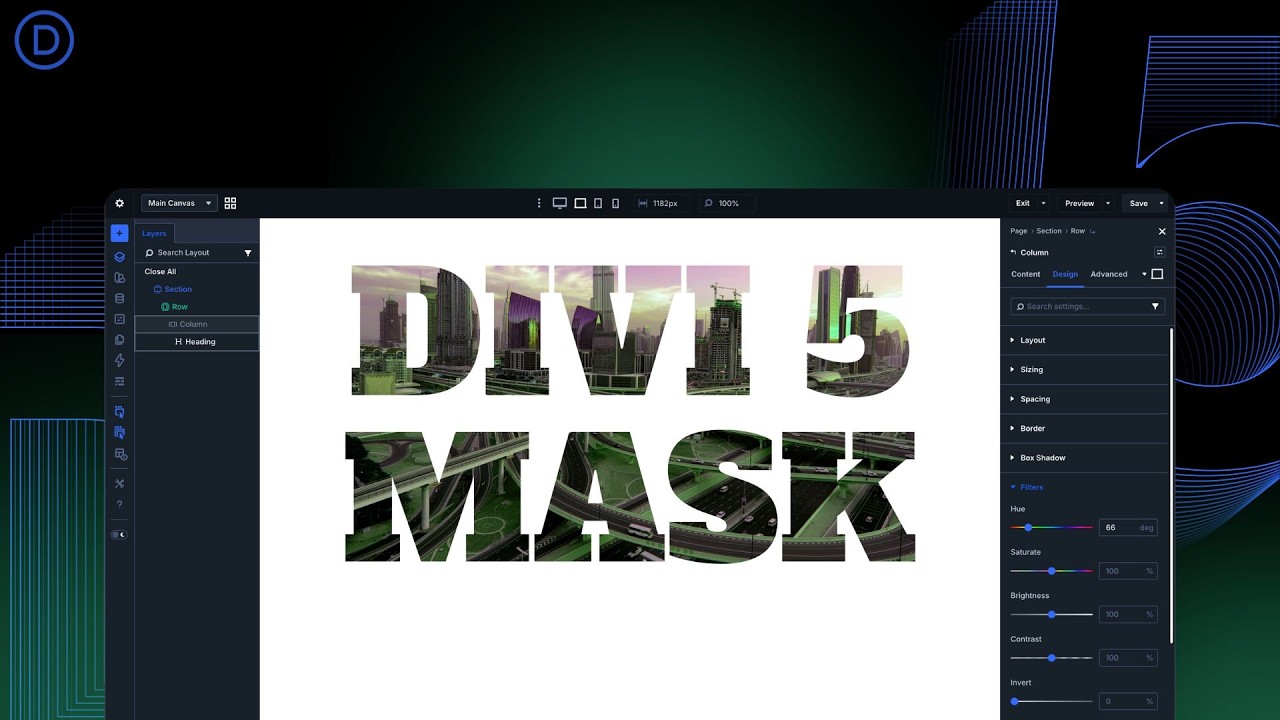 How To Mask Text In Divi 5
TUTORIAL
How to mask text in Divi 5
Video: Elegant Themes on YouTube.
10
Lightbox · A video that opens in a lightbox
STICKY OFF · CLICK THE POSTER
WATCH IN FULL
Open the video big, without leaving the page
Turn floating off and turn on the lightbox: a click on the poster opens the video over the page. Esc or a click outside closes it.
 Introducing Multi-Select & Bulk Editing for Divi 5! 🎉
Video: Elegant Themes on YouTube.
PLAYGROUND
Pick a corner
Each video floats to a different corner with a different animation. Play one and scroll.
TOP LEFT · FADE
 Divi 5 Just Mastered the Grid (Must-See New Feature 👀)
TOP RIGHT · GROW
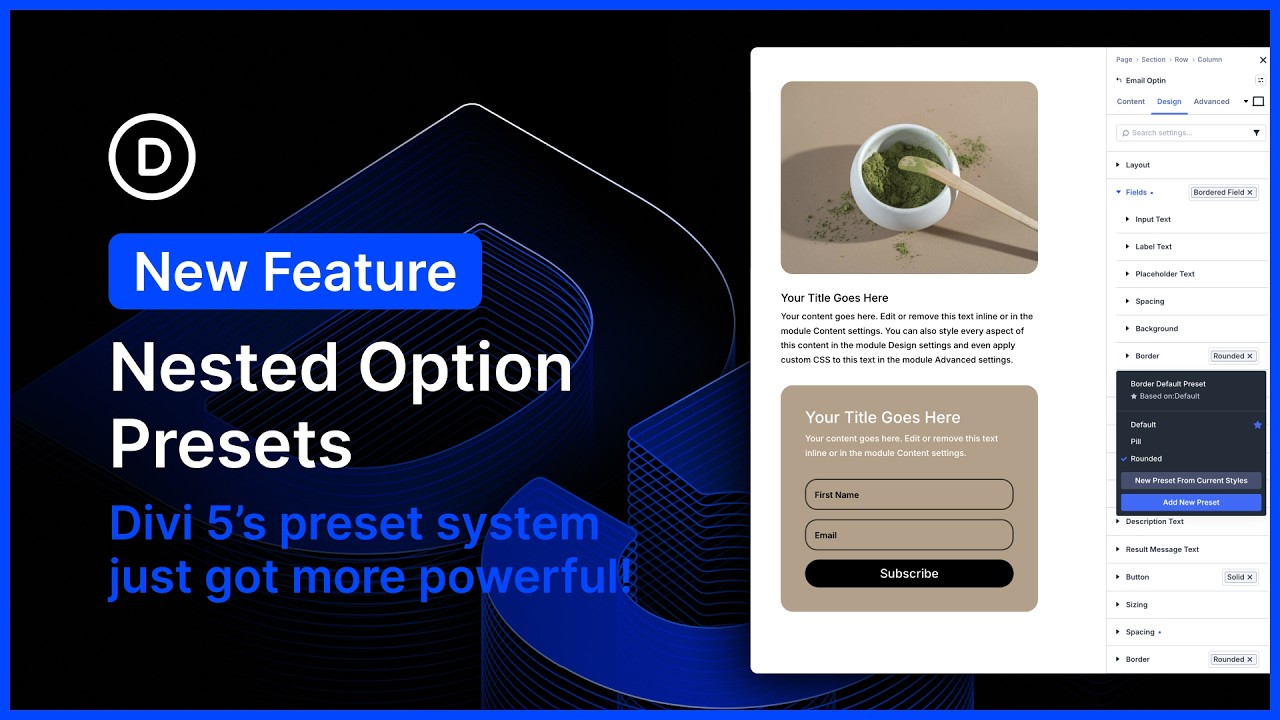 🤯 Nested Options Presets for Divi 5 (New Feature)
BOTTOM LEFT · SLIDE IN
 New Features. 👀 Variable Fonts & Text Styling Options!
BOTTOM RIGHT · FLY TO THE CORNER
 💥 New Form Options, Field Presets, Focus Editing, And CF7 Module for Divi 5
Video: Elegant Themes on YouTube.